
Accés al Campus Global i a l’Aula Global
1. Campus Global
To access Universitat Pompeu Fabra’s Campus Global, you need your UPF code, the password and the two-factor authentication.
- How to obtain the UPF code.
- How to reset the password.
- How to activate the two-factor authentication.
2. Aula Global (virtual classroom) for the course
- Log on to UPF’s Campus Global wit the UPF code and the password.
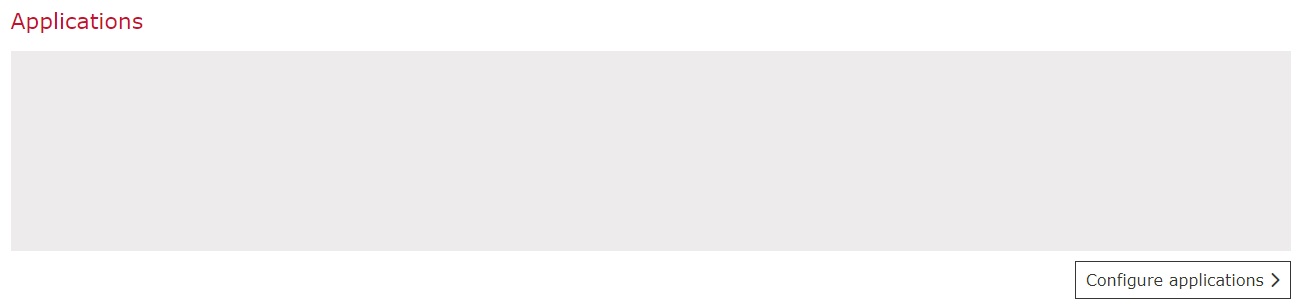
- Scroll down until you find the Aplicacions section.

- If the Aula Global application does not show, you will need to add it manually:
- Click on «Configure applications».
- Select «- Applications for Students» on the dropdown menu on the right and drag the Aula Global application to the column on the left. Then, click «Save».
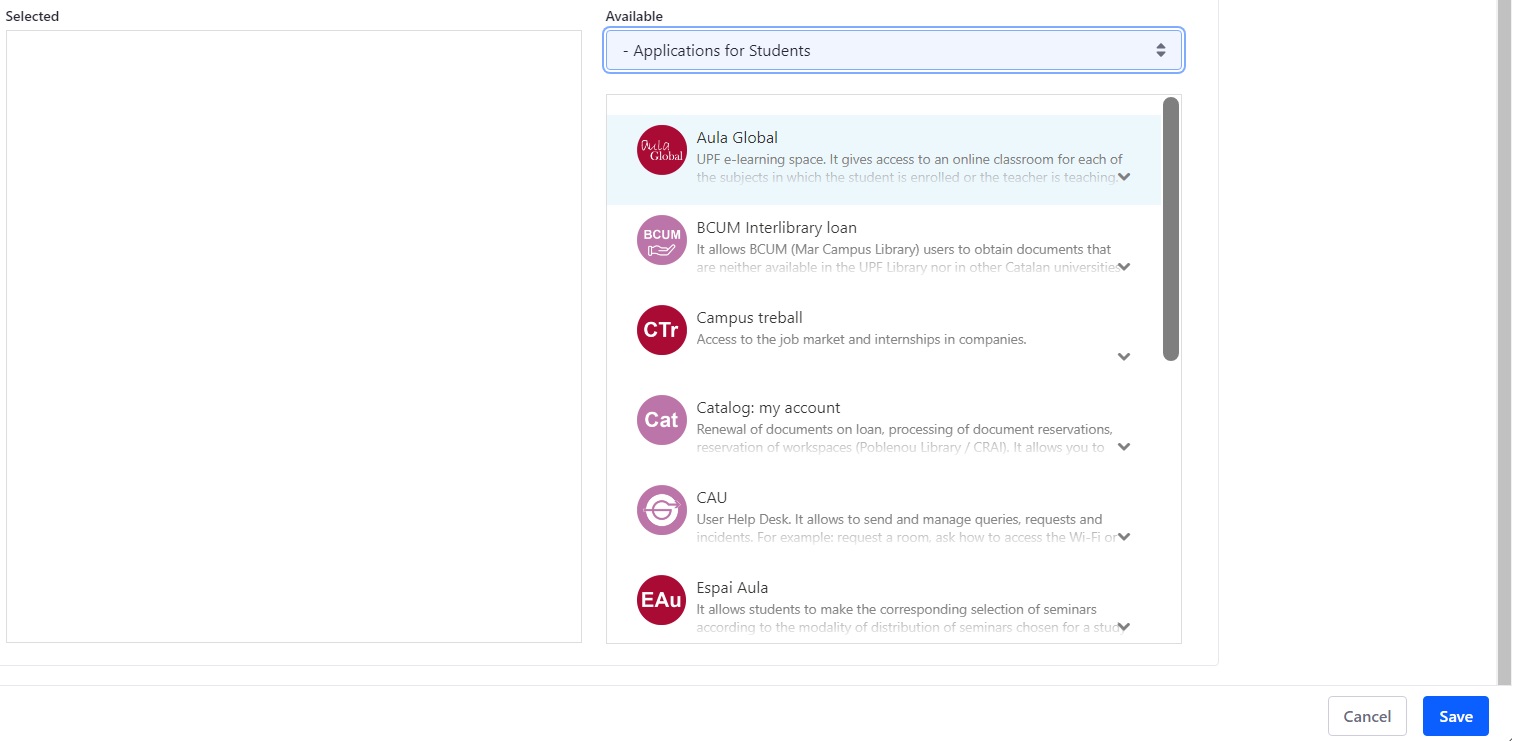
- Select «- Applications for Students» on the dropdown menu on the right and drag the Aula Global application to the column on the left. Then, click «Save».
- Click on the Aula Global application.
- Click on «Configure applications».